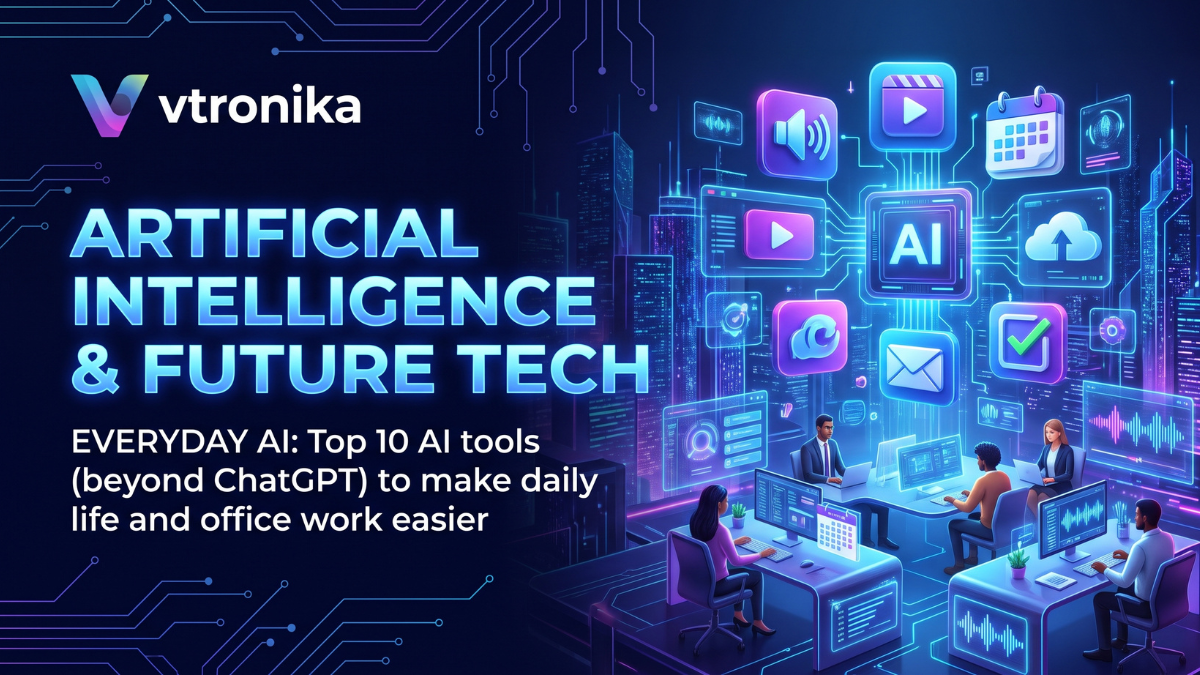

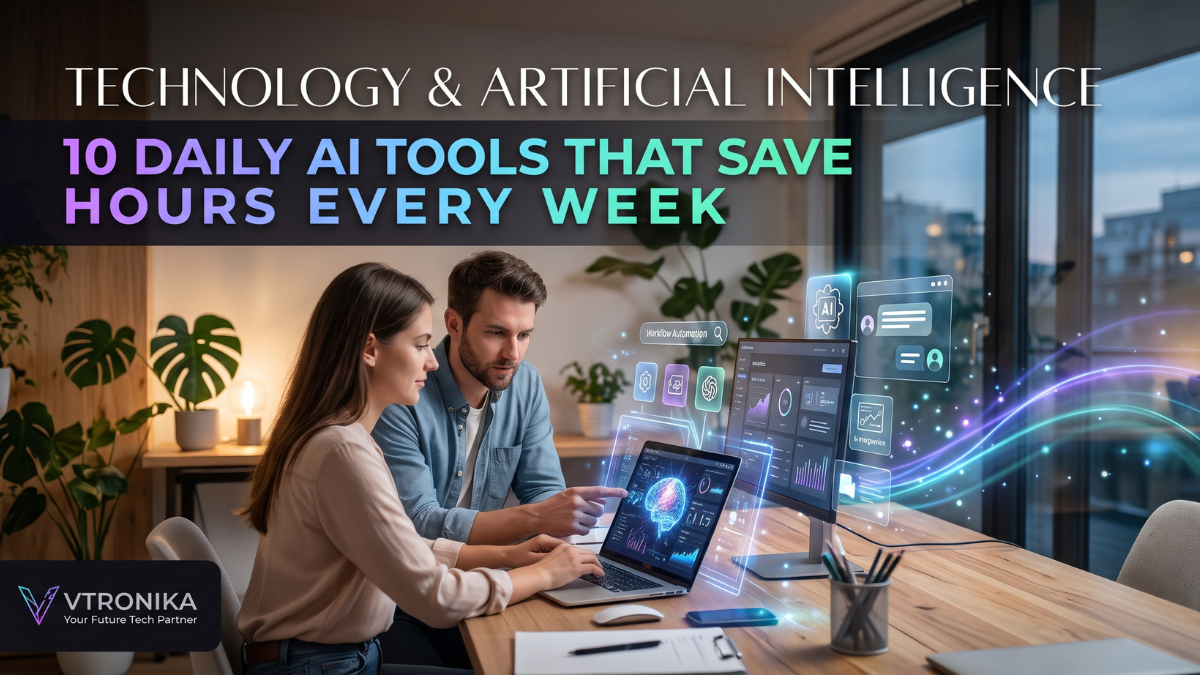
The AI Efficiency Shift: Reclaiming 15+ Hours Every Week
Artificial intelligence has shifted from a novelty to essential infrastructure for high-performing professionals, creators, and entrepreneurs. The true value of AI does not lie in generating generic text or novelty images; it lies in compressing operational drag—eliminating the hours spent reading lengthy threads, sorting chaotic project boards, drafting routine correspondence, debugging syntax, and manually transferring data between apps.
By implementing an orchestrated stack of 10 specialized daily AI tools, knowledge workers can systematically automate baseline cognitive chores and reclaim 10 to 20 hours of focused strategic time each week.
1. ChatGPT (OpenAI) – The Multi-Modal Execution Hub
Primary Role: First-draft generation, ideation, and rapid problem decomposition.
Average Time Saved: 3–5 hours/week.
ChatGPT serves as the default operational copilot for knowledge workers. Its interactive workspace (Canvas) allows real-time collaborative editing for documents and code, while custom GPTs let you standardize repetitive business prompts.
- Where It Saves Time: Drafting commercial proposals, formatting raw data into clean Markdown tables, building communication templates, and summarizing complex multi-page PDF briefs.
- Power Move: Upload messy product specs or unstructured notes and prompt: “Convert this into an executive summary, identify top 3 operational bottlenecks, and outline a 5-step sprint plan.”
2. Claude (Anthropic) – Deep Thinking & Long-Form Architecture
Primary Role: Nuanced writing, complex logic processing, and heavy document analysis.
Average Time Saved: 2–4 hours/week.
Claude excels at processing massive context windows with high reasoning fidelity, making it superior for technical documentation, academic literature, and long-form writing that requires an authentic, human tone without formulaic filler.
- Where It Saves Time: Digesting 100-page financial filings, rewriting complex contracts into plain English, and creating interactive front-end components inside Claude Artifacts.
- Power Move: Feed Claude your raw customer interview transcripts and prompt: “Extract recurring customer pain points, categorize feature requests by frequency, and draft an internal product requirements document.”
3. Perplexity AI – The Real-Time Answer Engine
Primary Role: Research acceleration and cited fact-finding.
Average Time Saved: 2–3 hours/week.
Traditional web search forces you into a “search-click-skim-backtrack” cycle across dozens of tab windows. Perplexity acts as a synthesis engine, scouring live internet sources and delivering structured, factual answers backed by inline citations.
- Where It Saves Time: Industry benchmarking, competitor pricing analysis, vendor feature comparisons, and rapid technical troubleshooting.
- Power Move: Skip manual tab browsing by asking: “Build a side-by-side comparison table of the top 3 B2B CRM platforms in 2026, comparing API rate limits, annual enterprise pricing, and SOC-2 compliance with direct sources.”
4. Cursor / GitHub Copilot – AI-Native Software Development
Primary Role: Code generation, contextual refactoring, and bug elimination.
Average Time Saved: 4–6 hours/week.
For developers and technical builders, AI-native code editors (such as Cursor) and autocomplete engines (like GitHub Copilot) turn hours of manual programming and boilerplate drafting into rapid, prompt-driven execution.
- Where It Saves Time: Writing unit tests, converting functions between languages, explaining legacy codebases, and catching syntax errors before compilation.
- Power Move: Use in-editor agent prompts to index your entire repository and ask: “Locate where user session timeouts are configured, refactor the function to use Redis caching, and write accompanying test cases.”
5. Otter.ai / Fireflies.ai – Zero-Friction Meeting Intelligence
Primary Role: Autonomous meeting transcription, speaker identification, and action-item extraction.
Average Time Saved: 2–3 hours/week.
Typing notes while in a meeting divides your cognitive focus, turning you into a stenographer rather than a decision-maker. Meeting AI assistants automatically join your Google Meet, Zoom, or Teams calls to transcribe discussions verbatim and highlight commitments.
- Where It Saves Time: Eliminates manual meeting minutes, ends follow-up debates over who agreed to what, and enables searchable transcript databases.
- Power Move: Review a 45-minute sync in 60 seconds by reading the automatically compiled “Key Decisions & Next Action Items” block directly inside your inbox.
6. Notion AI – Centralized Knowledge Management
Primary Role: Workspace querying, automated database tagging, and internal documentation.
Average Time Saved: 2 hours/week.
Notion AI functions as a private “second brain” connected directly to your team’s internal documentation. Instead of hunting through endless folder trees, you can query your entire organization’s wikis and project boards using plain conversational language.
- Where It Saves Time: Auto-filling metadata columns in client databases, drafting standard operating procedures (SOPs), and summarizing project updates.
- Power Move: Type
@Notion AIon any blank page: “Summarize our marketing launch milestones from Q3 and list all unresolved design feedback items across all linked project boards.”
7. Reclaim.ai / Motion – Autonomous Calendar Defense
Primary Role: Dynamic scheduling, task prioritization, and time blocking.
Average Time Saved: 2 hours/week.
Static calendar management breaks down the moment an emergency meeting gets booked, requiring 20 minutes of calendar reshuffling. Tools like Motion and Reclaim take your to-do lists, deadlines, and working-hour constraints, automatically packing them into optimized daily time blocks that dynamically adjust when plans change.
- Where It Saves Time: Eliminates back-and-forth scheduling emails, defends dedicated focus time for deep work, and auto-reschedules missed tasks without human intervention.
- Power Move: Set priority tiers on core projects; if an urgent client call appears, the engine automatically pushes lower-priority administrative tasks to tomorrow’s open slots.
8. Canva Magic Studio / Midjourney – Rapid Visual Asset Production
Primary Role: High-fidelity imagery, graphic mockups, and content layouts.
Average Time Saved: 3 hours/week.
Creating custom graphics for slide decks, blog banners, YouTube thumbnails, and social media campaigns historically created a bottleneck for non-designers. Generative visual tools create polished visual assets in minutes.
- Where It Saves Time: Background removal, image expansion (generative fill), brand kit translation, and generating high-resolution conceptual illustrations.
- Power Move: Use Canva Magic Switch to take a single 1,000-word blog post and instantly generate an 8-slide presentation deck, an executive infographic summary, and formatted social cards in one click.
9. Grammarly / DeepL – Polish, Tone & Cross-Border Communication
Primary Role: Real-time editing, stylistic refinement, and natural language translation.
Average Time Saved: 1.5–2 hours/week.
Clear communication prevents costly misinterpretations. Running in the background of your browser, email client, and communication apps, advanced language engines analyze grammar, conciseness, and contextual tone on the fly.
- Where It Saves Time: Polishing executive emails, ensuring diplomatic phrasing in sensitive workplace messages, and providing localized translations that capture technical nuances rather than literal word substitutions.
- Power Move: Highlight a rambling three-paragraph response and click the tone adjustment toggle to rewrite it into a polite, three-sentence corporate status update.
10. Zapier Central / Make – Autonomous No-Code Workflows
Primary Role: Cross-application data routing and autonomous agent execution.
Average Time Saved: 4–8 hours/week.
While conversational bots process input, automation engines perform operations across your tech stack while you sleep. By combining large language models with trigger-action pipelines, you can build autonomous assistants that execute multi-step business routines across thousands of web applications.
- Where It Saves Time: Auto-extracting invoice details from incoming Gmail attachments, syncing CRM entries into databases, and sending tailored Slack alerts to project channels.
- Power Move: Build a webhook workflow: Whenever a new lead fills out a web form, trigger an LLM to research the prospect’s company website, append the data to a CRM row, and auto-draft a personalized intro email in your inbox draft folder.
Daily Tool Stack: Operational Breakdown
| Tool Category | Recommended Platform | Primary Time Sink Replaced | Weekly Savings |
| Drafting & Synthesis | ChatGPT / Claude | Manual outlining, basic copywriting, report drafting | 3–5 Hours |
| Research & Fact-Checking | Perplexity AI | Tab-hopping search queries and citation hunts | 2–3 Hours |
| Meeting Operations | Otter.ai / Fireflies | Manual minute-taking, recap distribution, tracking | 2–3 Hours |
| Schedule Optimization | Motion / Reclaim.ai | Calendar conflicts, manual time-blocking, rescheduling | 2 Hours |
| Software Development | Cursor / GitHub Copilot | Writing boilerplate code, manual syntax debugging | 4–6 Hours |
| Creative Assets | Canva Magic / Midjourney | Sourcing stock images, standard design revisions | 2–3 Hours |
| Systemic Automation | Zapier / Make | Manual data entry, repetitive cross-app copying | 3–5 Hours |







![1. Profitable Niche Selection & Technical Scope Definition: Aik kamyab tech review platform launch karne ke liye broad tech market ke bajaye targeted micro-niche select karna sab se pehla qadam hai, jahan aap broad electronics cover karne ke bajaye specific hardware segments maslan smart home automation, budget mechanical keyboards, portable power stations, ya AI-driven creator gadgets par focus karte hain. Micro-niche target karne se search engines par topical authority jaldi build hoti hai, low-competition keywords rank karna aasan ho jata hai, aur high-intent buyers ki targeted traffic attract hoti hai jo directly conversion rate barhane mein madadgar sabit hoti hai. 2. Modern Web Architecture, UX & Speed Optimization: Website structure aur technical foundation review sites ke liye direct revenue driver ka kaam karti hai, is liye clean, light-weight aur responsive CMS framework chunna zaroori hai jo fast loading speed deliver kare. Core Web Vitals optimize karna, mobile-first responsive layout design karna, clean visual typography use karna, aur comparison tables ko dynamic render karna visitor retention ko improve karta hai, kyunki fast loading pages reader bounce rate kam karte hain aur user ko buying guides aur product tables tak asani se pohanchate hain. 3. Intent-Driven Keyword Strategy & High-Converting Content Formats: Tech review traffic ko monetize karne ke liye content creation ka focus high commercial intent search terms par hona chahiye, jahan users already purchase decision ke qareeb hotay hain. Detailed hands-on single product reviews, comprehensive head-to-head comparison battles, "Best [Category] for [Use Case]" curated roundups, aur troubleshooting how-to guides regular basis par publish karni chahiye, jin mein user ke pain points, battery life, real-world benchmarks, pros, aur cons clear aur honest tareeqay se highlight kiye gaye hon. 4. Visual Credibility, Original Testing & E-E-A-T Compliance: Search engine algorithms aur smart consumers stock photos aur generic specifications ke bajaye genuine testing signals ko prefer karte hain, is liye real-world unboxing pictures, self-tested performance charts, aur honest product limitations dikhana trust build karta hai. Apni testing methodology ko openly document karna, detailed measurement data attach karna, aur original visual demonstrations include karna site ki credibility ko double karta hai, jis se affiliate link conversions naturally barh jati hain aur return-on-traffic optimize hota hai. 5. Strategic Affiliate Network Integration & Link Management: Monetization engine set karne ke liye premium global affiliate networks maslan Amazon Associates, AWIN, CJ Affiliate, ShareASale, aur niche-specific tech direct merchant programs par verified publisher profile create karni hoti hai. Links ko manage karne ke liye specialized affiliate link cloaking plugins use karna zaroori hai, jo automated geo-targeting enable karte hain taake US, UK, ya Asian visitors ko unke local regional storefronts par redirect kiya ja sakay, jis se international traffic ka commission leak hone se bach sake. 6. High-Converting Call-to-Action (CTA) & Price Comparison Elements: Plain inline hyperlinks ke muqablay visual elements conversions ko multi-fold accelerate karte hain, is liye har review section ke baad customized product comparison boxes, "Check Best Price" buttons, aur dynamic discount coupon alerts place karni chahiye. Yeh interactive boxes reader ki purchasing friction ko khatam karte hain, stock status clear dikhate hain, aur trust-building price-check buttons reader ko affiliate merchant store par click karne ke liye instant incentive provide karte hain. 7. Regulatory Compliance, FTC Disclosures & Legal Transparency: Affiliate networks ke accounts ko ban hone se bachane aur ethical publishing standards maintain karne ke liye transparent compliance policy follow karna lazmi hai. Har commercial article ke bilkul shuru mein clear FTC disclosure add karna, dedicated privacy policy, terms of service, aur affiliate relationship disclaimer pages publish karna na sirf platform account stability ensure karta hai, balki international ad compliance standards aur readers ke trust ko legal protection deta hai. 8. Traffic Diversification & Multi-Channel Retention Funnels: Sirf search engine algorithms par depend karna risky ho sakta hai, is liye audience retention ke liye multiple organic traffic funnels develop karne chahiye. Review summaries ko short video clips mein convert karke YouTube shorts aur tech forums par share karna, high-converting tech deals newsletter chalana, aur push notifications capture karna aik loyal subscriber base create karta hai, jo seasonal sales events maslan Black Friday, Cyber Monday, aur Prime Day par massive direct affiliate revenue deliver karta hai. 9. Analytical Tracking, Conversion Rate Optimization (CRO) & A/B Testing: Affiliate revenue scale karne ke liye data-backed decision making standard practice banani chahiye, jahan Google Analytics 4, heatmaps, aur affiliate dashboards ke zariye link performance track ki jaye. Mukhtalif button placements, anchor text variations, CTA colors, aur layout formats par A/B split tests run karna identify karta hai ke konsi positioning maximum clicks generate kar rahi hai, jis se un-monetized traffic leaks eliminate ho jate hain aur overall earnings per thousand visitors (RPM) maximize hoti hai. 10. Advanced Monetization Scaling & Direct Brand Partnerships: Jaise hi platform steady traffic aur targeted niche authority capture kar leta hai, earning channels ko standard low-margin affiliate links se naye high-ticket models par shift kiya ja sakta hai. High-paying direct SaaS affiliate partnerships join karna, hardware manufacturers se paid sponsored testing packages negotiate karna, exclusive display ad inventory sell karna, aur dedicated brand review slots secure karna overall revenue streams ko diversify karta hai, jo platform ko aik stable, multi-tier digital media business mein badal deta hai.](https://vtronika.com/wp-content/uploads/2026/10/Tech-Content-Monetization-A-Practical-Blueprint-For-Launching-A-Tech-Review-Site-Earning-Through-Affiliate-Marketing-Networks.png)